
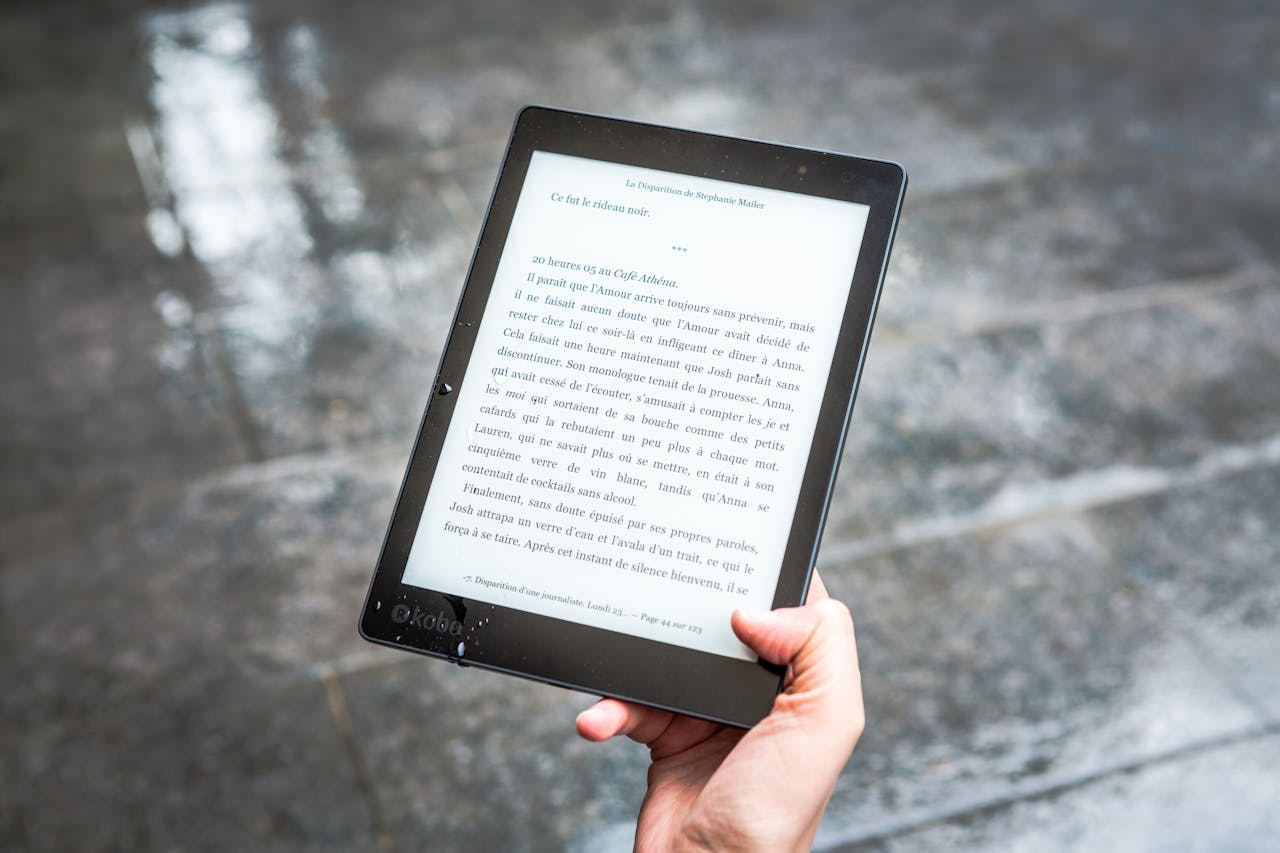
Digital eye fatigue is often blamed on screens themselves. Readers are told that staring at displays for too long damages eyesight or that digital reading is inherently harmful. The reality is more nuanced. Eye fatigue is real, but it is usually caused by a combination of environmental, behavioural and technological factors rather than screens alone.
This article looks at what actually causes digital eye fatigue, why reading is often implicated, and what readers can do to reduce discomfort without abandoning digital reading altogether.
What Eye Fatigue Really Is
Eye fatigue, sometimes referred to as digital eye strain, is not the same as permanent eye damage. It is a collection of symptoms that arise when the visual system is overworked.
Common symptoms include:
-
Dry or irritated eyes
-
Blurred or fluctuating vision
-
Headaches or facial tension
-
Sensitivity to light
-
Difficulty focusing after long sessions
These symptoms are usually temporary and linked to how eyes are used rather than to lasting harm.
Screens Are Not the Sole Cause
It is tempting to blame screens because they are visible and ubiquitous. However, eye fatigue predates digital devices. Long periods of reading print, sewing, driving or detailed manual work can all produce similar symptoms.
What makes screens different is not their existence, but how they are used. Digital environments encourage long, uninterrupted sessions, frequent refocusing and visually demanding tasks that strain the eyes in subtle ways.
The Role of Blink Rate
One of the most significant contributors to eye fatigue is reduced blinking.
When concentrating on screens, people blink less frequently. Blinking keeps the eyes lubricated and refreshed. Reduced blink rate leads to dryness, irritation and a gritty sensation, which many people interpret as eye strain.
This effect occurs regardless of whether the screen is used for reading, writing or browsing. Reading itself is not the culprit; sustained visual focus is.
Contrast, Brightness and Glare
Poor display settings are a major cause of discomfort.
Excessive brightness forces the eyes to work harder, particularly in dim environments. Low contrast makes text harder to distinguish, increasing effort and fatigue. Glare from overhead lighting or reflective screens further compounds the problem.
Eye fatigue often improves dramatically when brightness and contrast are adjusted appropriately for the surrounding environment.
Font Size and Visual Effort
Small text increases strain. When text is too small, the eyes must focus more precisely and continuously, especially during long reading sessions.
Digital reading has a clear advantage here. Text can be resized, spacing adjusted and fonts changed. When readers ignore these options and rely on default settings, they miss one of the most effective ways to reduce fatigue.
Comfortable text size is subjective, but larger and more generously spaced text almost always reduces effort.
Blue Light and Sleep, Not Eye Damage
Blue light is often blamed for eye strain, but its effects are frequently misunderstood.
Current evidence suggests that blue light does not cause eye damage at typical screen exposure levels. Its primary impact is on circadian rhythm rather than immediate eye fatigue.
Using warmer colour temperatures in the evening can improve sleep quality, but blue light reduction alone rarely resolves eye discomfort during daytime reading.
E-Ink vs Backlit Screens
Not all screens behave the same way.
E-ink displays reflect ambient light and do not emit light directly into the eyes. This makes them feel more like paper and reduces fatigue for many readers during extended sessions.
Backlit screens offer flexibility and colour but require more careful management of brightness and contrast. Neither type is inherently harmful, but they suit different reading patterns and environments.
Posture and Viewing Distance
Eye fatigue is closely linked to posture.
Holding devices too close, reading at awkward angles or maintaining rigid positions for long periods increases strain on both eyes and muscles. Poor posture often leads to headaches that are misattributed to eye problems.
Adjusting viewing distance, supporting devices properly and changing position regularly all reduce discomfort.
What Actually Helps
Reducing digital eye fatigue does not require abandoning screens.
Effective strategies include:
-
Increasing text size and line spacing
-
Matching screen brightness to ambient light
-
Reducing glare and reflections
-
Taking regular breaks from near focus
-
Blinking consciously during long sessions
These adjustments address the real causes of fatigue rather than treating screens as the problem.
Reading Comfort Is About Use, Not Medium
Digital reading itself is not inherently fatiguing. Poor habits, poor settings and poorly designed environments are.
When readers take control of how text is displayed and how reading fits into their day, screens become tools rather than sources of discomfort. Eye fatigue is a signal to adjust behaviour, not a reason to avoid digital reading altogether.
Understanding the real causes allows readers to read comfortably on screens for long periods without unnecessary worry.